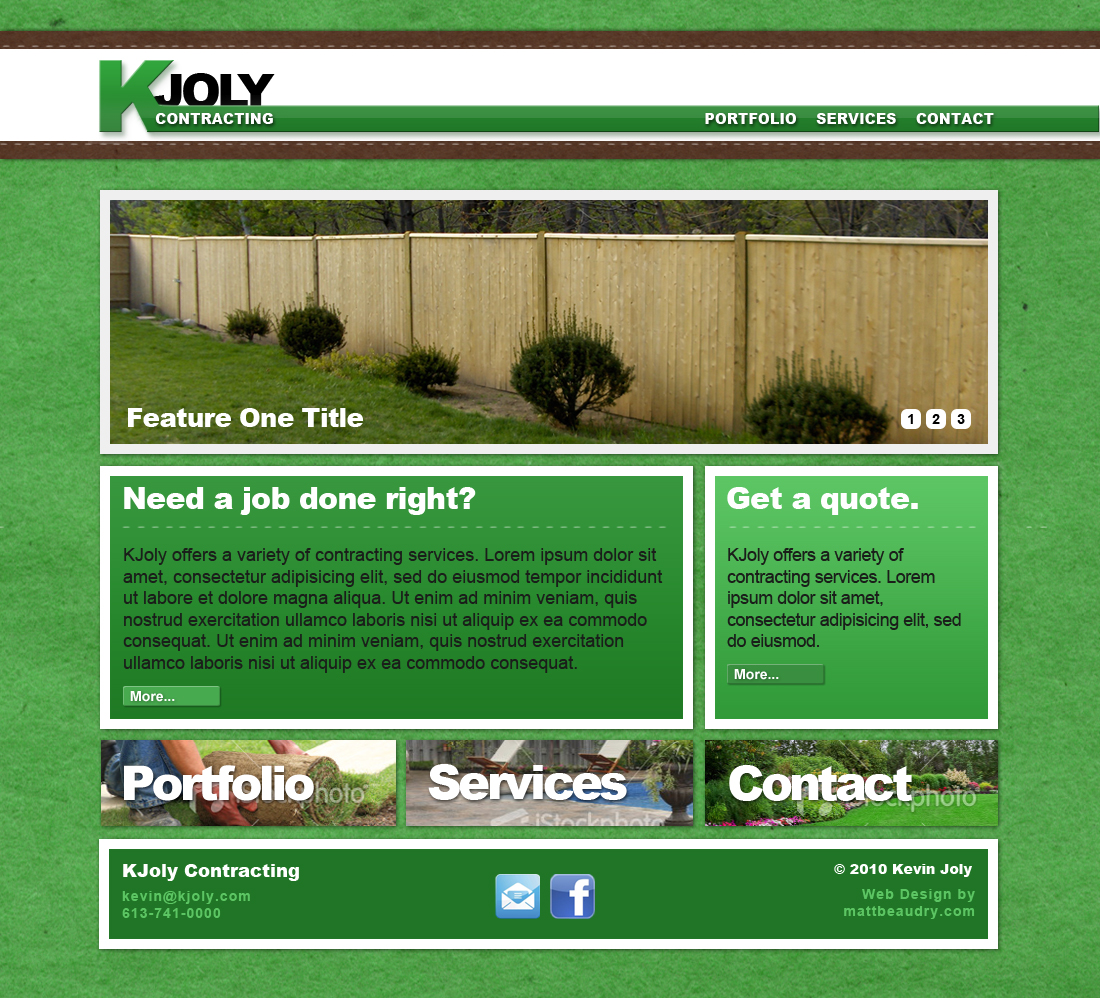
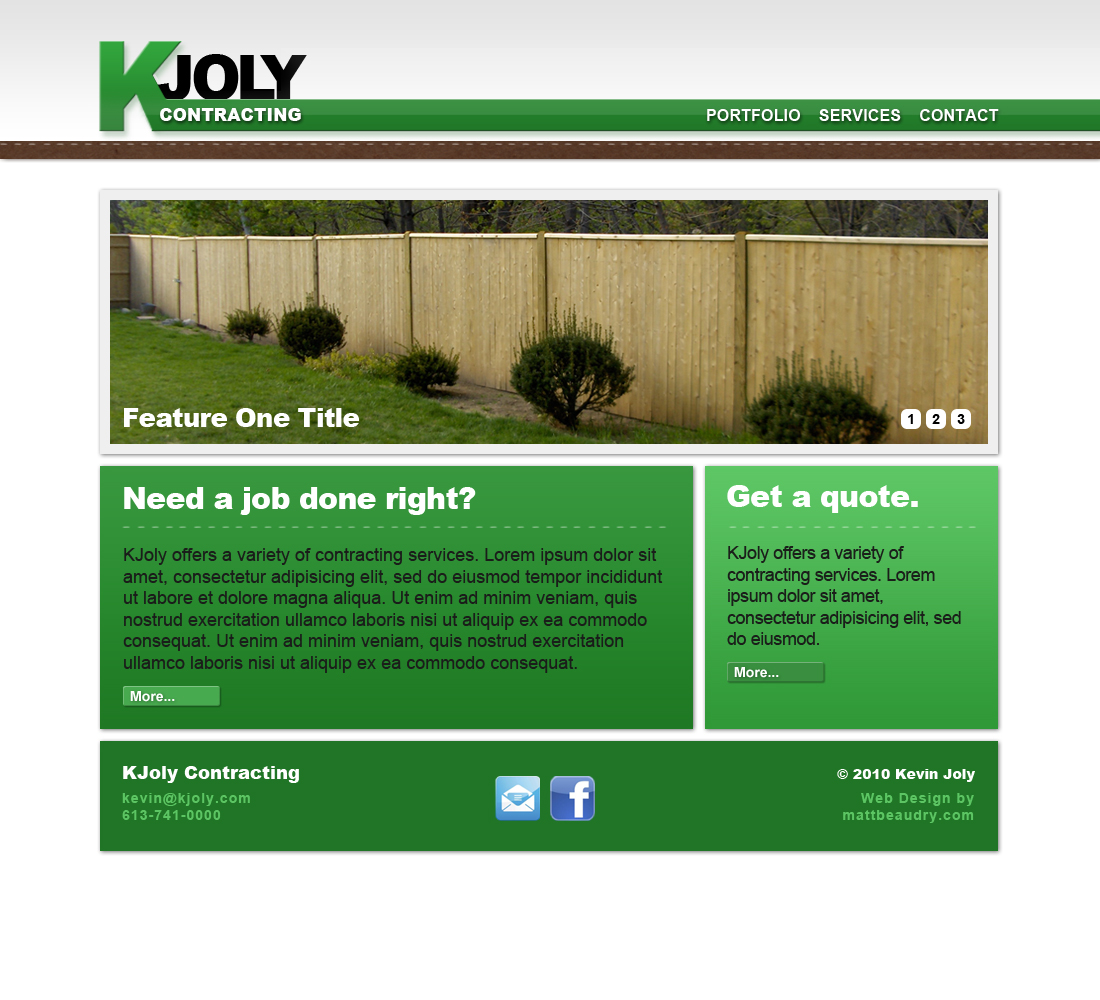
This is a website built with WordPress that I am currently working on for local company.
This is a very old & archived site of mine from a while back. Check out mattbeaudry.com for my new site and contact info.






This is a website built with WordPress that I am currently working on for local company.
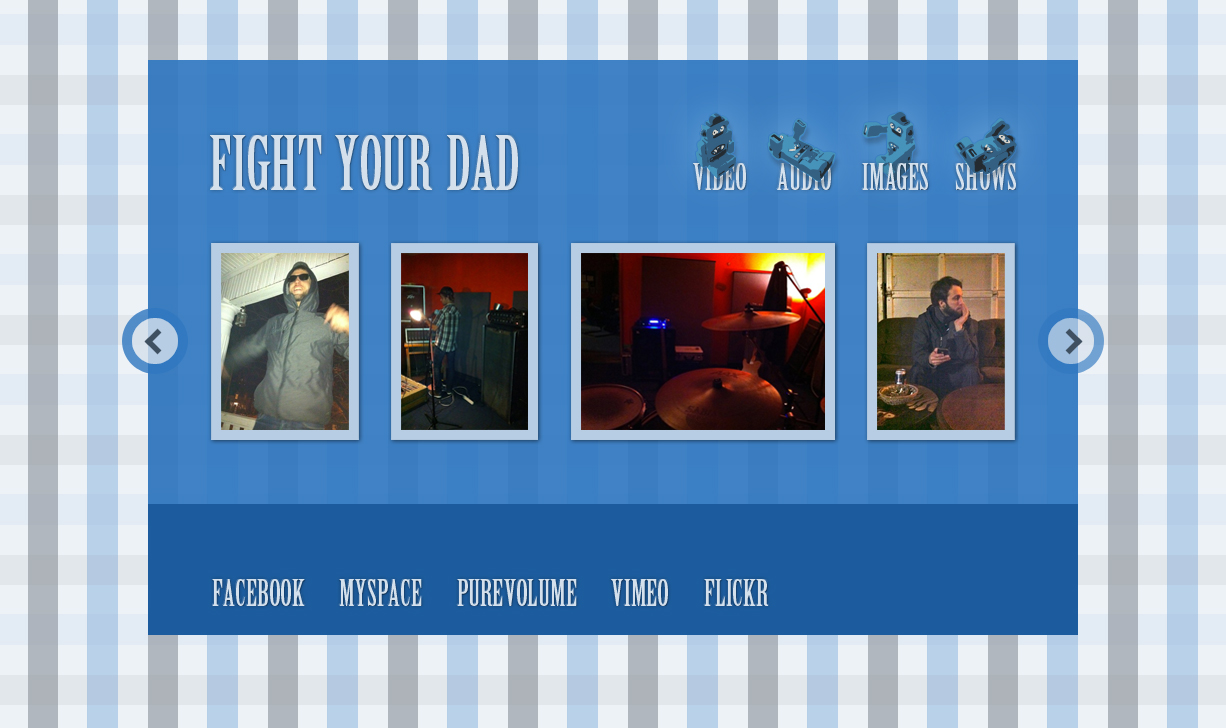
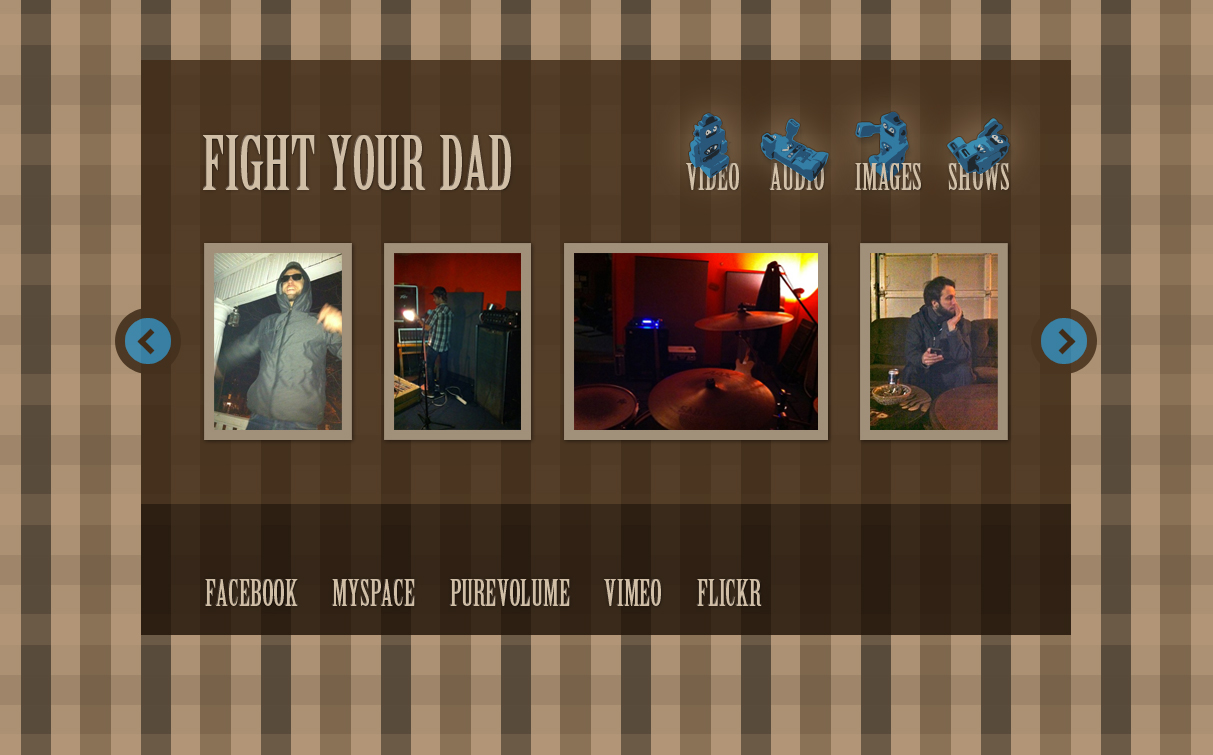
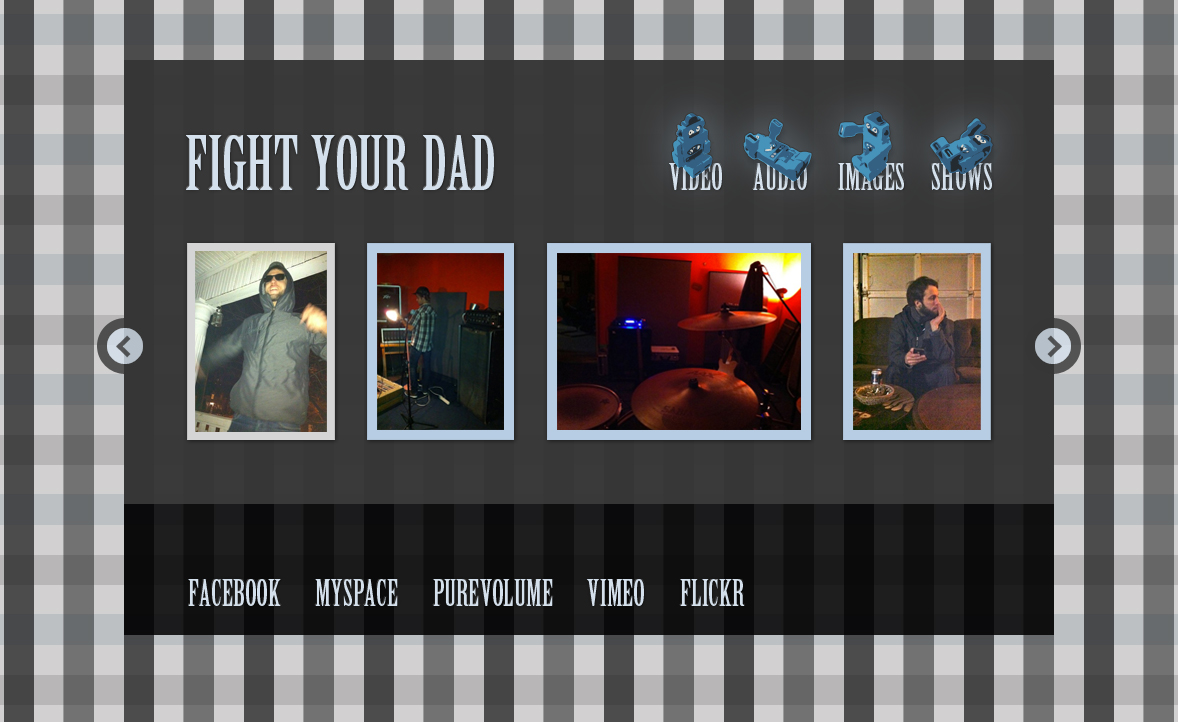
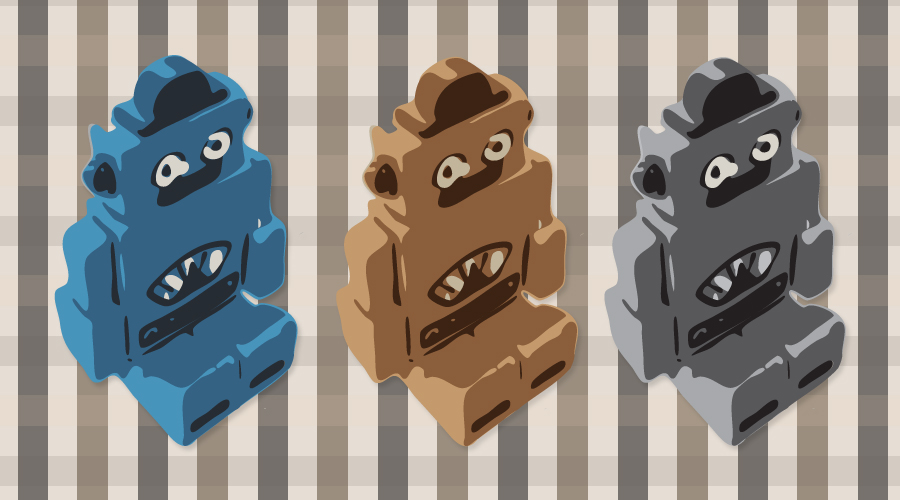
These are some graphics and site templates I recently created for a music project i’ve been putting together. The robots were created in Illustrator and the plaid background was inspired by one of my shirts.


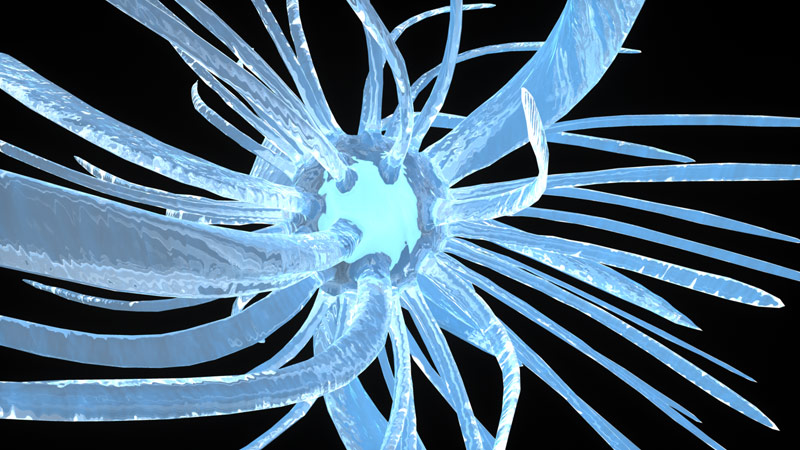
This is a 3D experiment I modelled and rendered in Maya. I started with a sphere and extruded a number of its faces. I twisted those extruded faces to get the basic shape. I used an ocean shader with transparency for the tentacles and experimented with different lighting and render settings in Mental Ray.


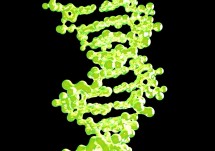
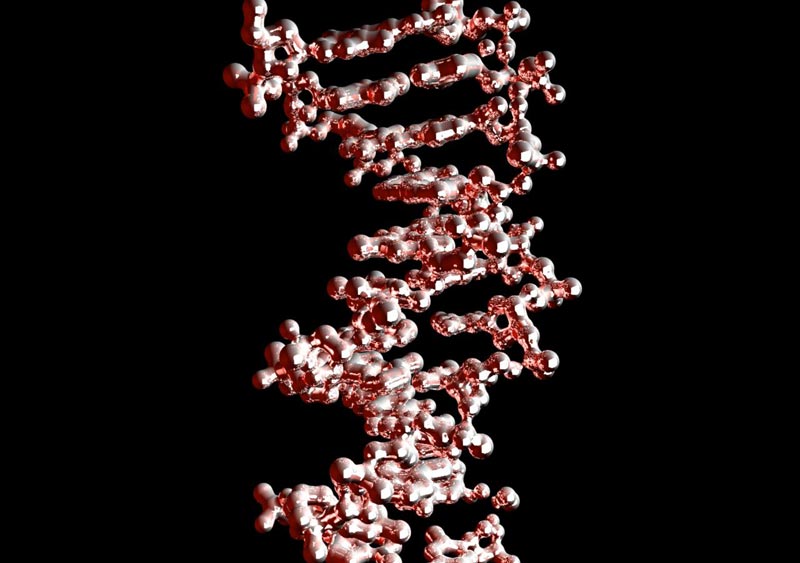
I created this 3D DNA molecule for a 3D modelling assignment in University. What was really interesting about it was that in order to create the exact structure of a DNA stran I imported molecular data from the RCSB Protein Data Bank. I brought this data into Maya to plot the point and converted those points to renderable shapes.

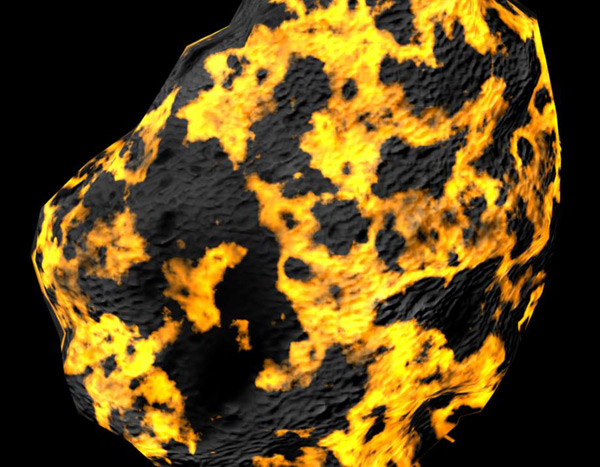

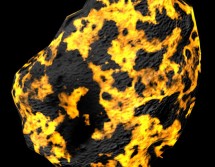
I created these 3D models for a 3D animation project in University. The texture was created using the hypershade editor in Maya. The yellow and blue glowing textures are animated.


3D style arrows I created for a Flash website I made a while back. They were created in Illustrator.
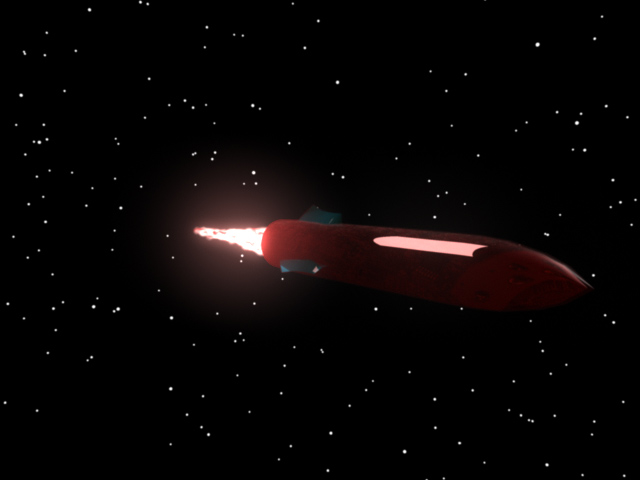
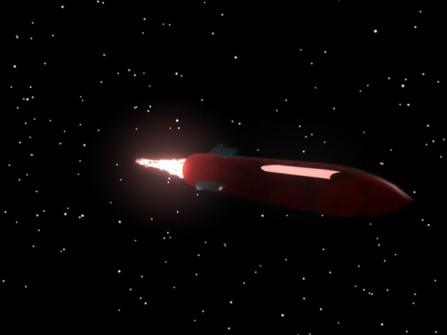
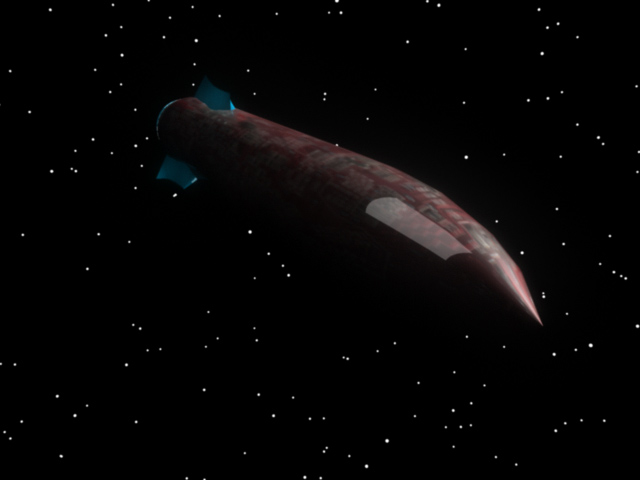
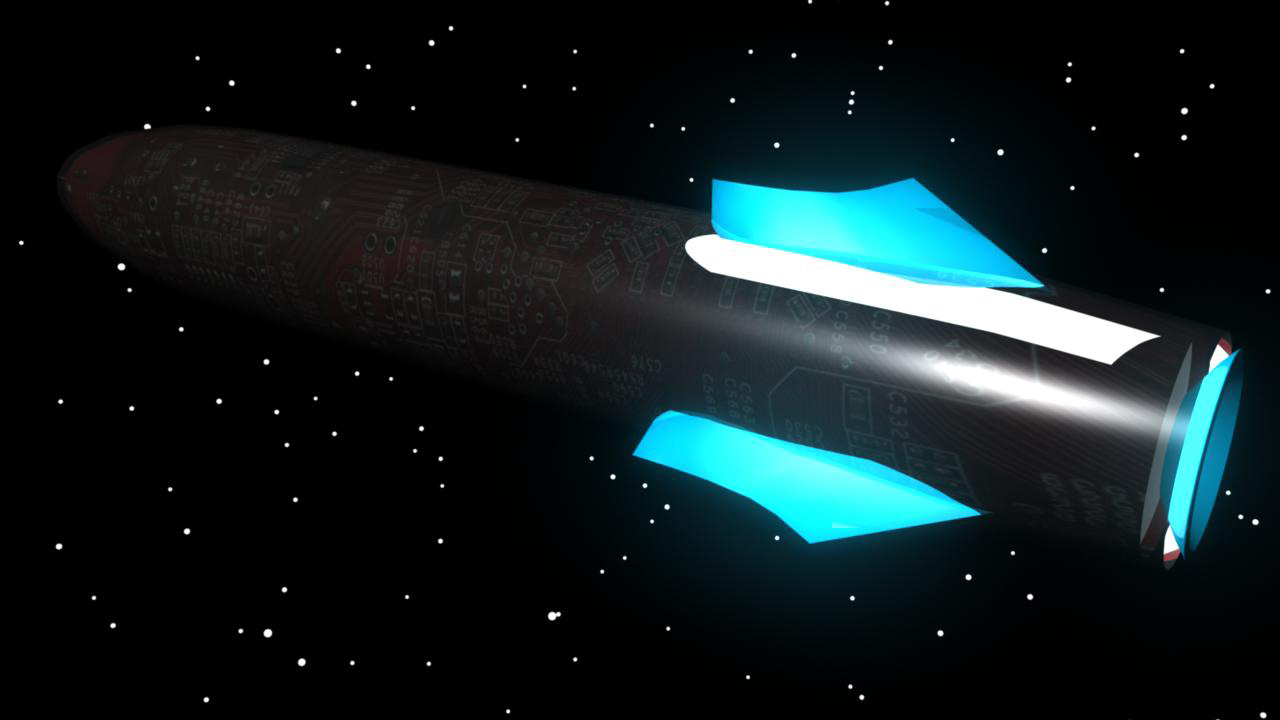
When working on a 3D animation project while attending Carleton University I created this futuristic spacecraft model. The rocket trail is actually an animated particle effect.
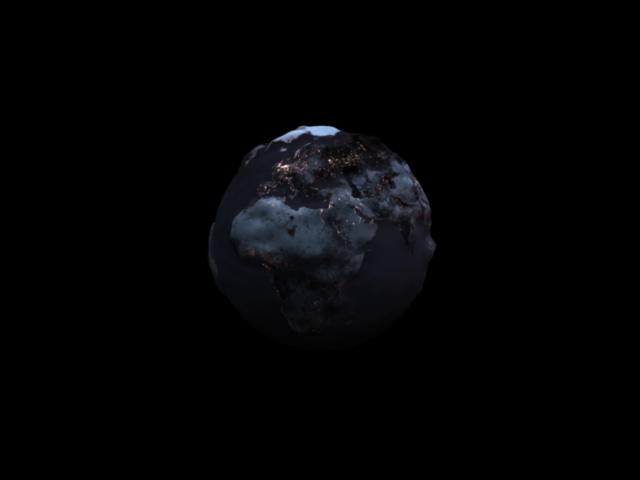
When working on a 3D animation project while attending Carleton University I created this nuclear war style earth model. I started with a sphere and used the sculpt geometry tool to add a bumpy terrain. I used a night time texture of the earth and added city lights in Photoshop. There is some smoke in the third image that I created particle effects and the hydershade editor for the material.


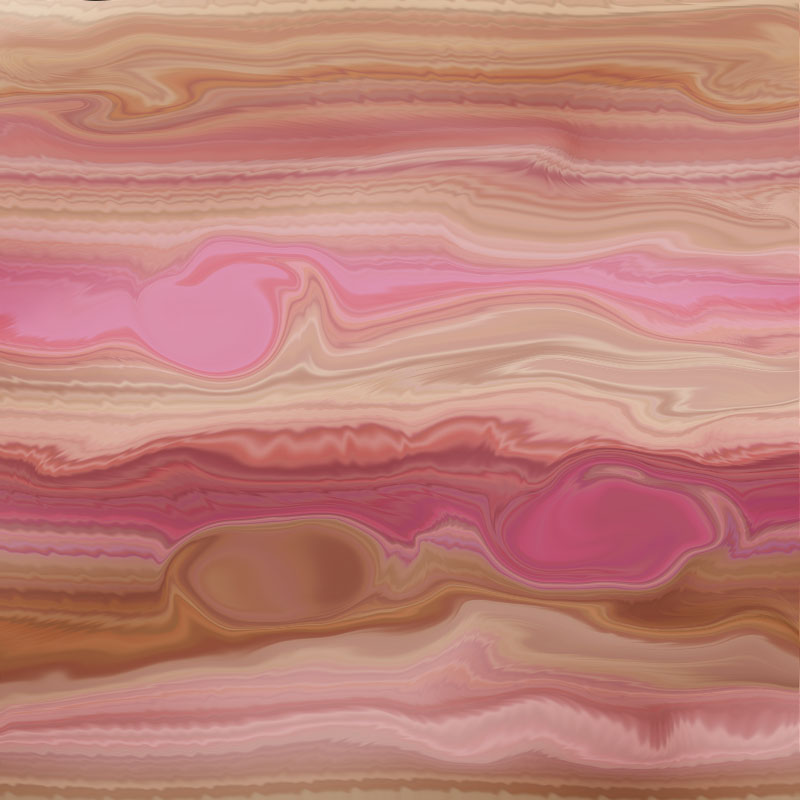
Here are a collection of images from my obsessive space phase. These were all created from scratch in Photoshop using only built in Photoshop filters and effects.
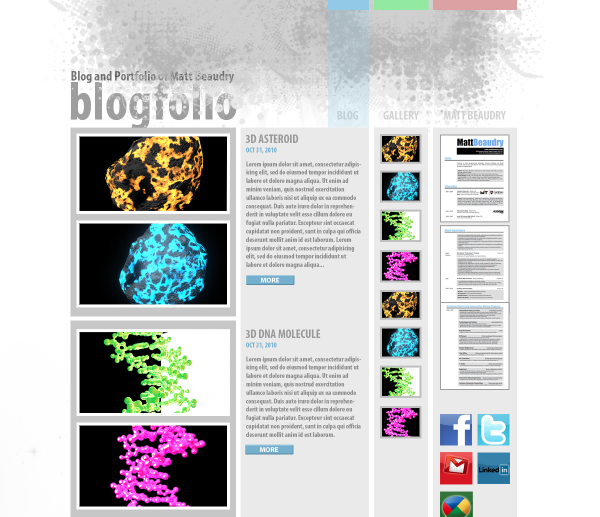
My new blog design in the works!
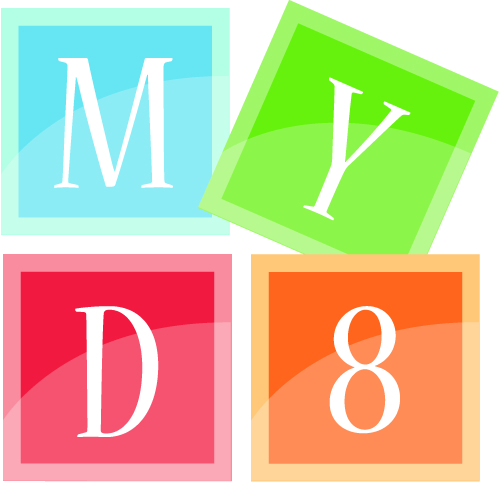

Above are two logo’s I designed as entries for graphic design competitions on DesignCrowd.com. If you are a graphic designer looking to add to your portfolio and possibly make some extra income then you definitely check out DesignCrowd.
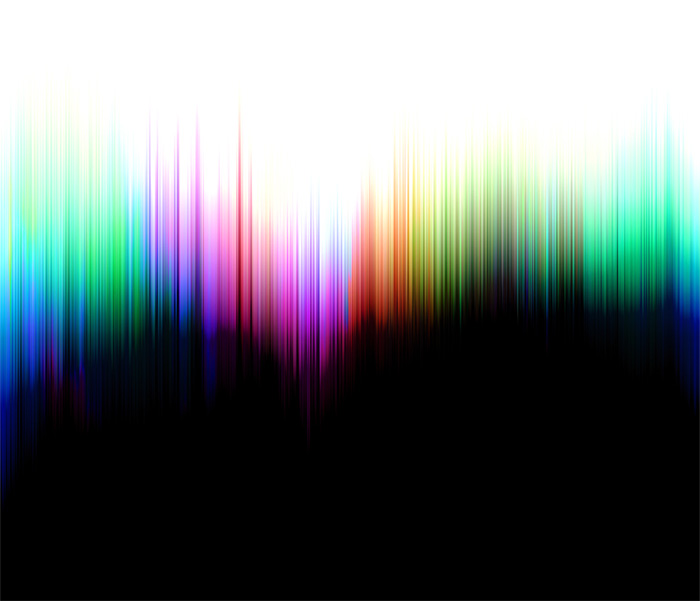
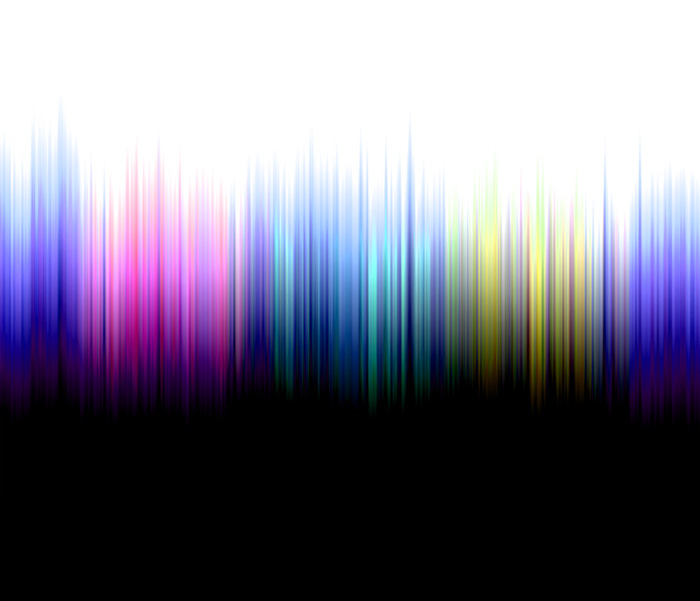
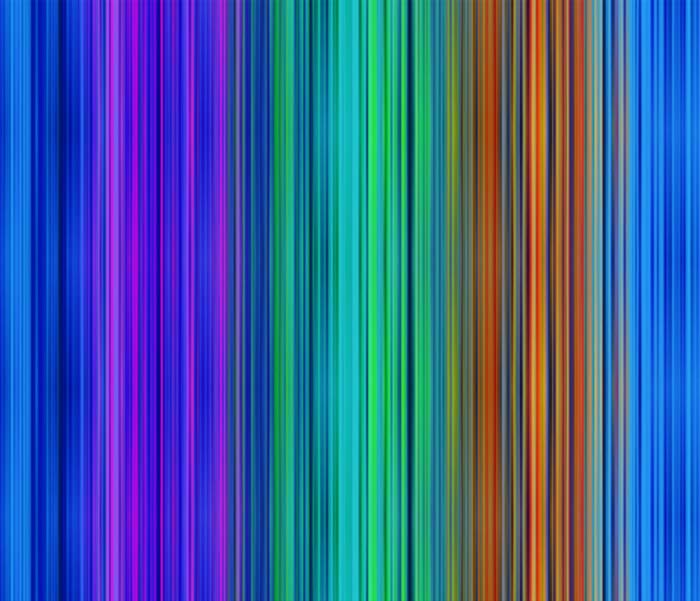
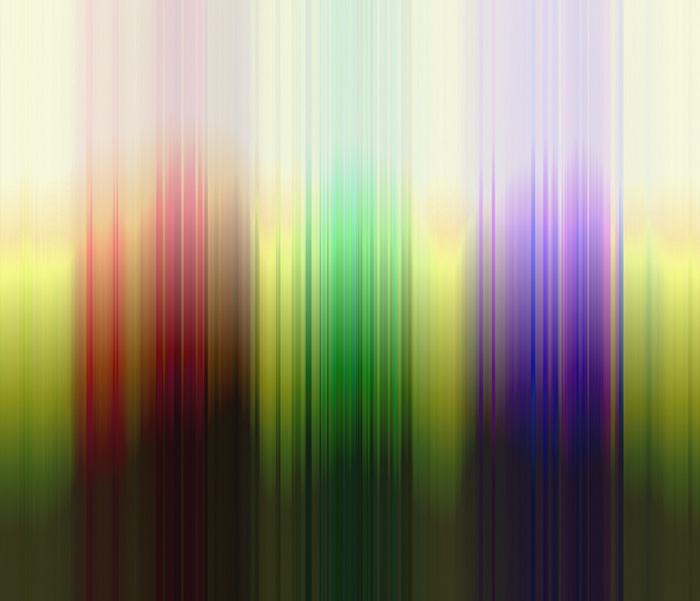
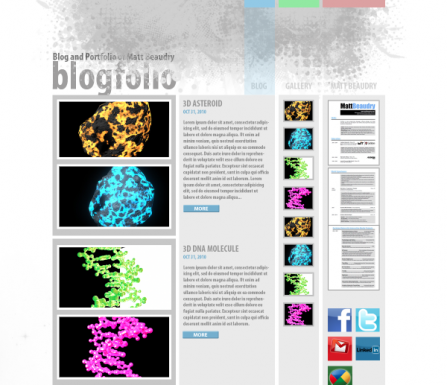
While experimenting with a motion blur technique in Photoshop, originally used to create gas planet textures, I came up with the graphic for this “blogfolio” website. Pictured above are four
other iterations.

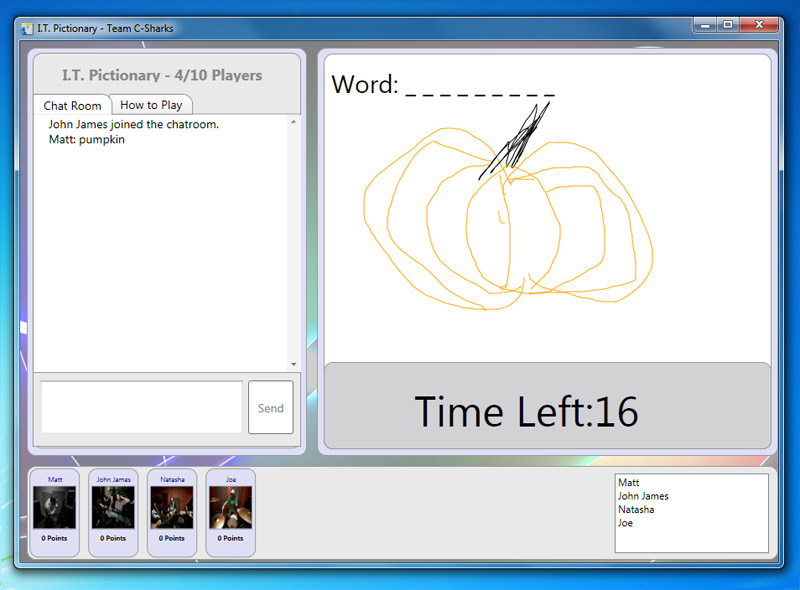
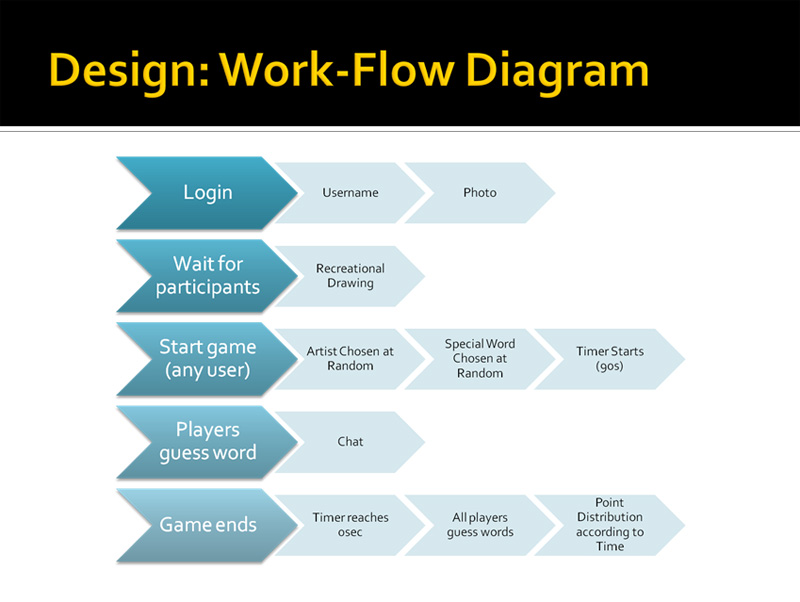
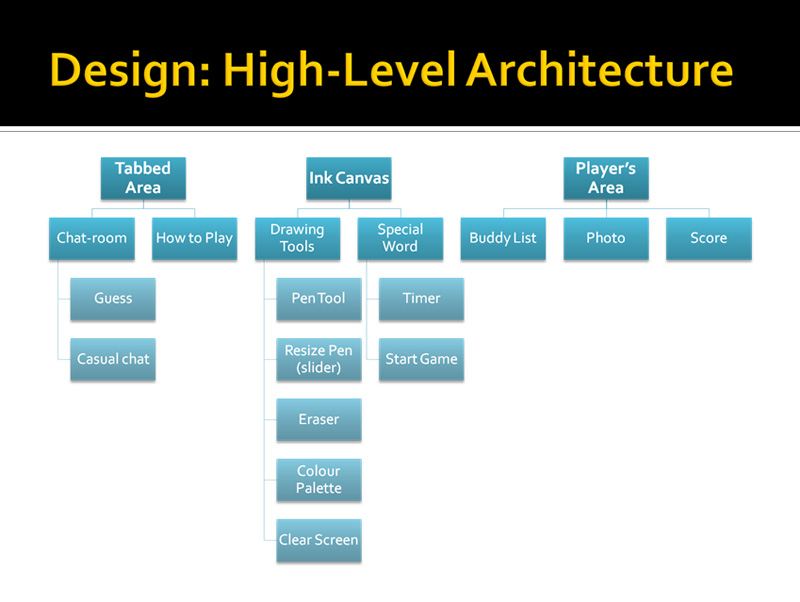
During my stay at Calreton Univeristy I had the pleasure of working with fellow students John James Belaskie and Natasha Zabchuk on an Information Technology themed muliplayer pictionary game. Natasha was project manager, and John James and I were programmers. It was created using Visual Studio and the Windows Presentation Foundation Tools. It was coded in C# on the .NET framework. I was responsible for the online colaborative drawing portion of the game as well as coding the game logic. Above are images of the log-in and gameplay screens. Below is a screenshot of our Work-Flow Diagram and our High Level Architechture Flowchart (created by Natasha Zabchuk).

Here are some more web icons I created during my time working for National Defense as a Webmaster.


I created this while attending Carleton University as a Flash Animation project. It is inspired by the FPS game Counter-Strike but adapted to a simple top view flash game. The graphics were created using actual screen shots from the game Counter-Strike by Valve. The gameplay was programmed and animated using Actionscript 2.0 in Adobe Flash.
One of the biggest challenges was programming everything to be animated relative to the map and not the flash stage. This is because it is not the character that moves during gameplay. The character always remains in the center of the screen and it is the map that is rotated and translated as the game is played.
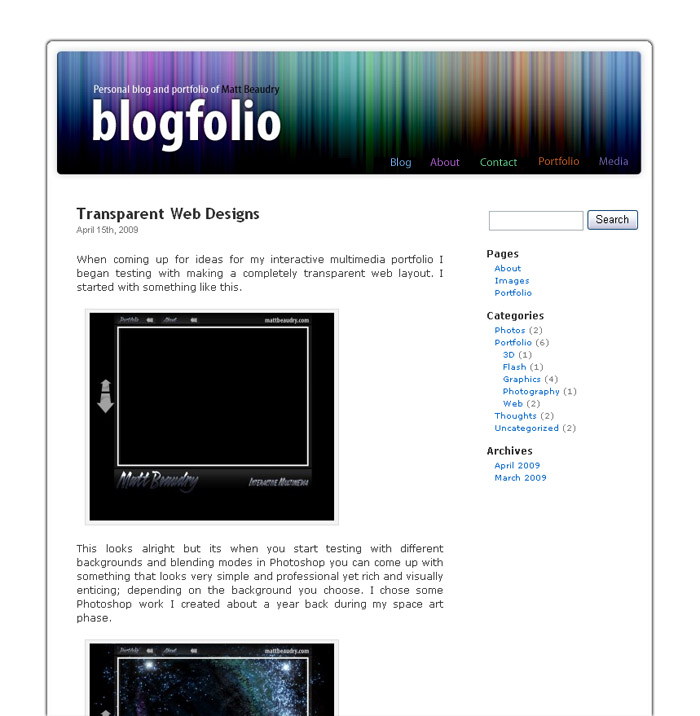

This is the first wordpress theme I created. Version 1.0 (above left) was built off the WordPress Default Theme with a new banner added which I created in Photoshop. Version 2.0 (above right) is a complete redesign of the first while still maintaining the same colorful motion blur graphic.
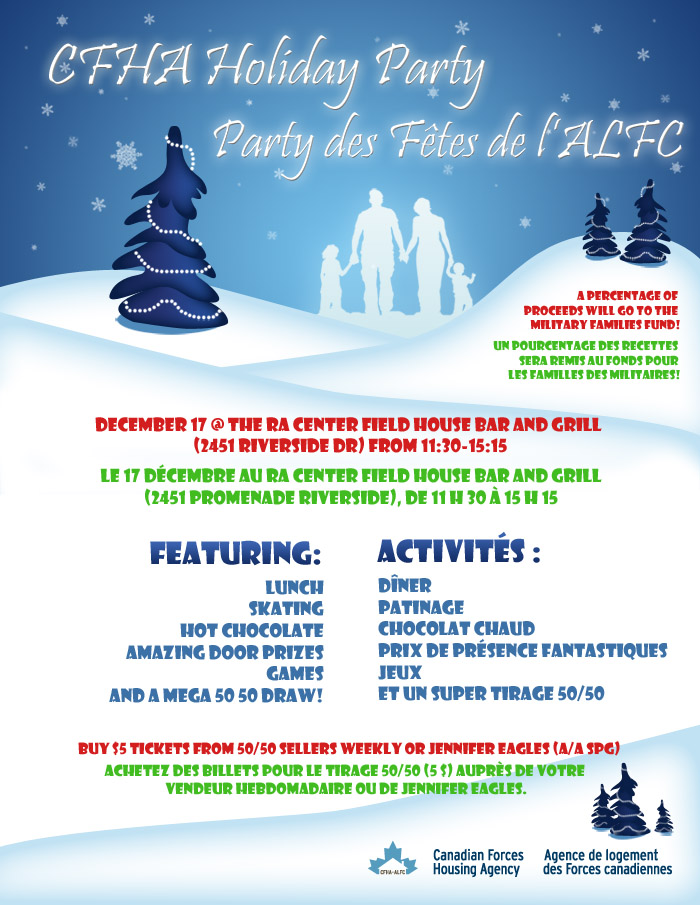

During my time working as a Web Master / Designer for the Government of Canada, I sometimes needed to provide print designs for posters and other internal communications materials. I have noticed that there are certain design challenges that arise when designing bilingual documents. For example, the French text translations are usually longer then the english, but making the French text smaller to compensate is not a valid solution; his would put an emphasis on the French and the two languages must appear equal on all Govnerment documents. Seen above are two examples of some simple solutions to designing bilingual posters.
The tree and snow graphics in the christmas poster I created after reading a few Photoshop and Illustrator tutorials for creating Christmas graphics. The photo of the USB stick and keychain I took at work for fun instead of finding a source image.


Designed these two logos as a Graphic Design assignment during my studies at Carleton University. The idea was to use a technique called negative space to represent one of the two letters.

These are some icons I put together for the Canadian Forces Hosuing Agency Employee Corner website. At first glance could you tell the Health and Safety graphic was a bandaid? Is it obvious that the Policy graphic is a clipboard? Ah, the second guessing of a designer; always room to improve something…

As a webmaster for National Defence I was tasked to convert an agency website to the new Government Common Look and Feel 2.0 standards. It is often difficult to design something when there is such a strict template to follow. I did my best to design something that stands out when compared to other government websites but is also compliant with CLF 2.0 rules.

After reading a couple tutorials online I discovered how easy it is to make a gas planet from scratch.


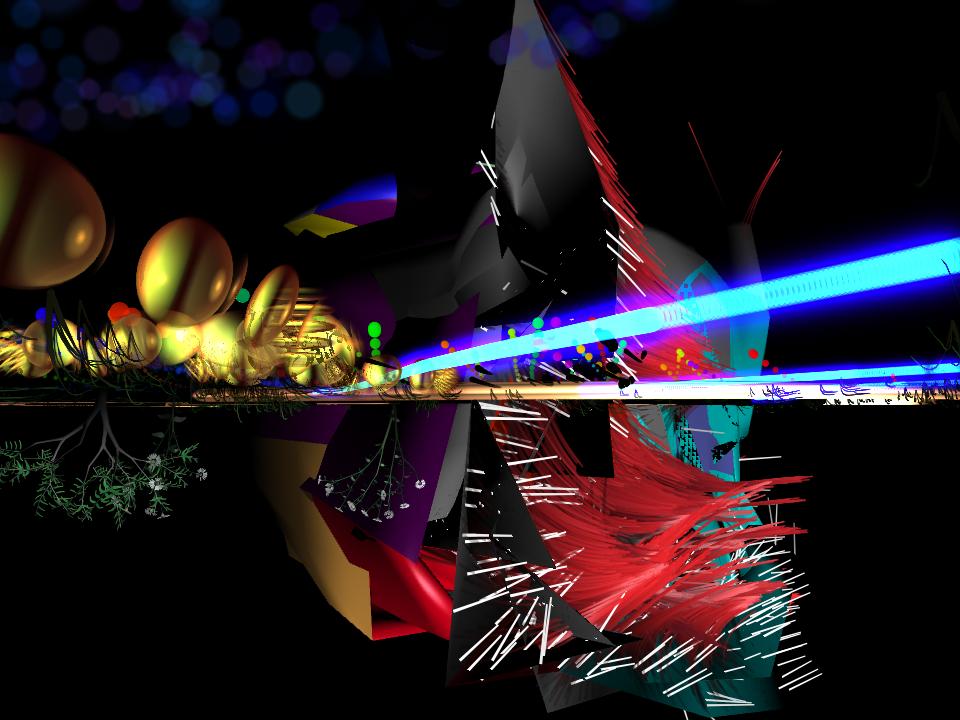
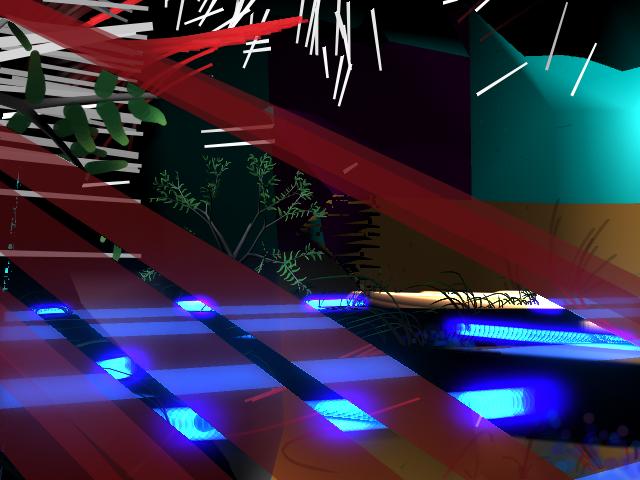
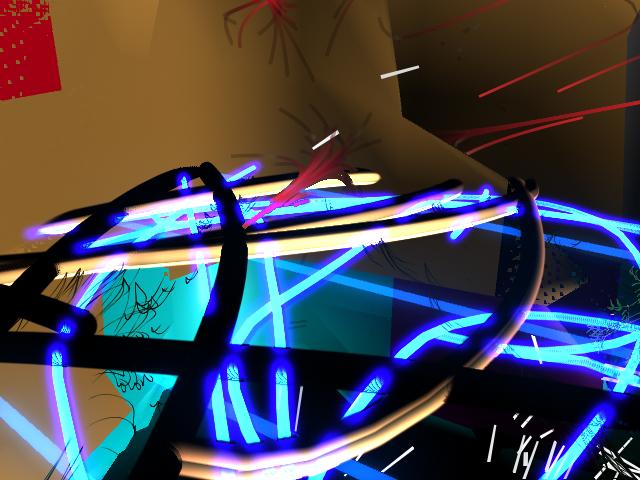
These are just some random 3D renders I made while playing with the built in Maya Brushes for the first time a couple years ago. I thought these turned out surprisingly interesting though.
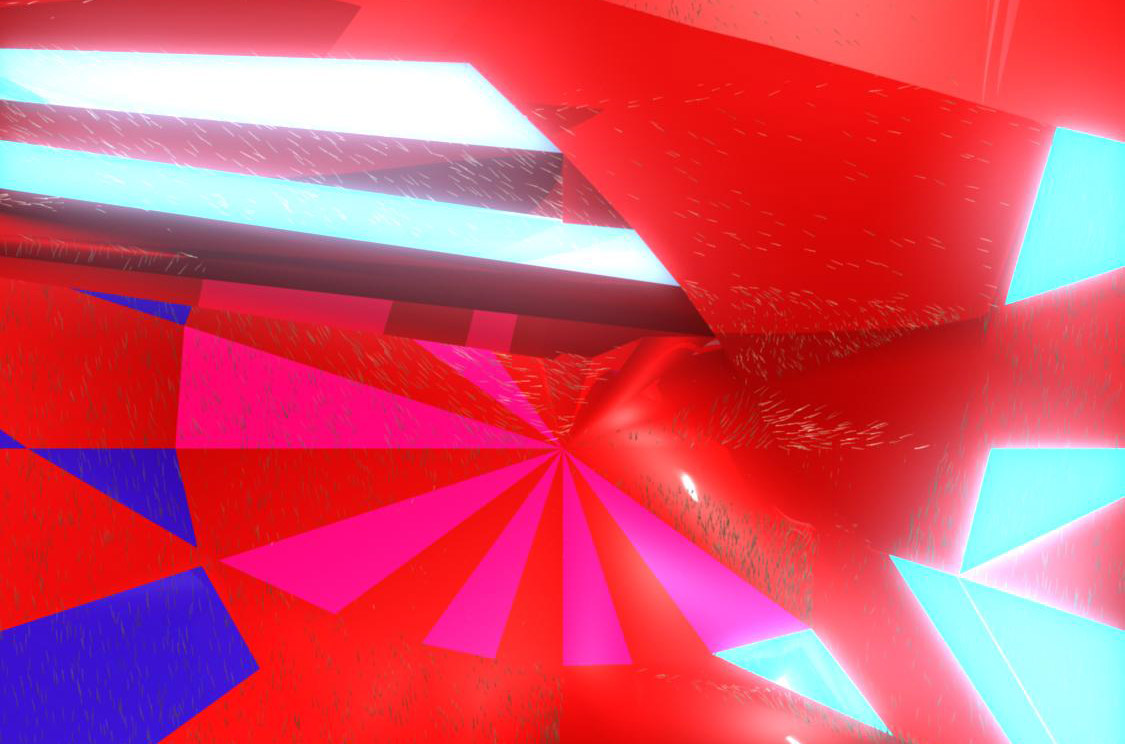

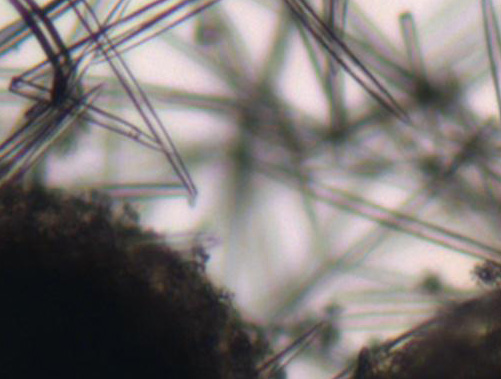
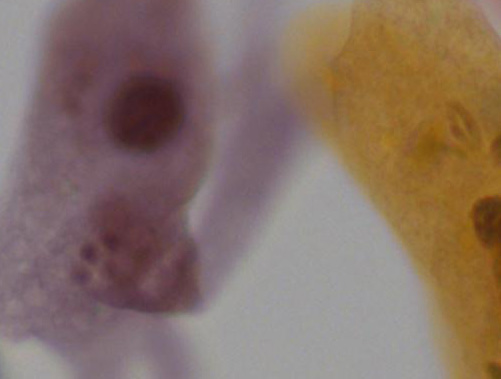
I’ve always been very intrigued and have always found beauty by the extremely large and small. From galaxies to microscopic organisms to molecules. An old friend took these photos under a microscope for a biology class. I’ve used these many times for various graphics projects and thought others might also find these images interesting.
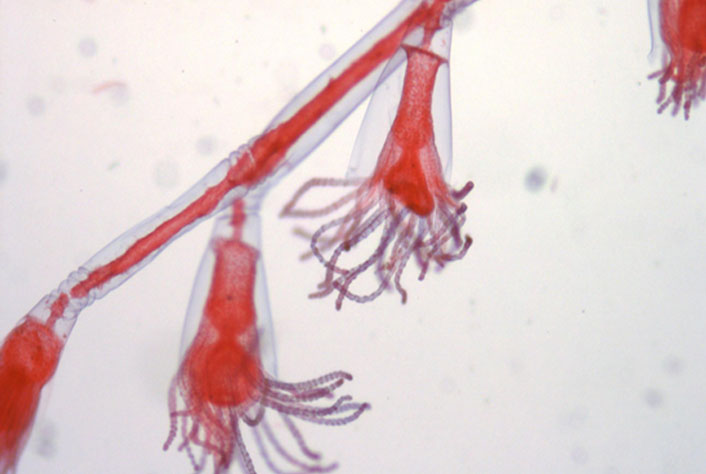
And this last one is my favourite. This is a type of marine life called an Obelia photographed during the “Medusa” stage in its lifetime.
While working on an animated film project at Carleton University called “The Briefest History of Time”, I created this 3D scene to signify a moment during the creation of the universe. Everything from modeling, shading, animating and rendering was done using Maya. I used Mental Ray to render these images in order to achieve the great lighting and reflection effects seen below.
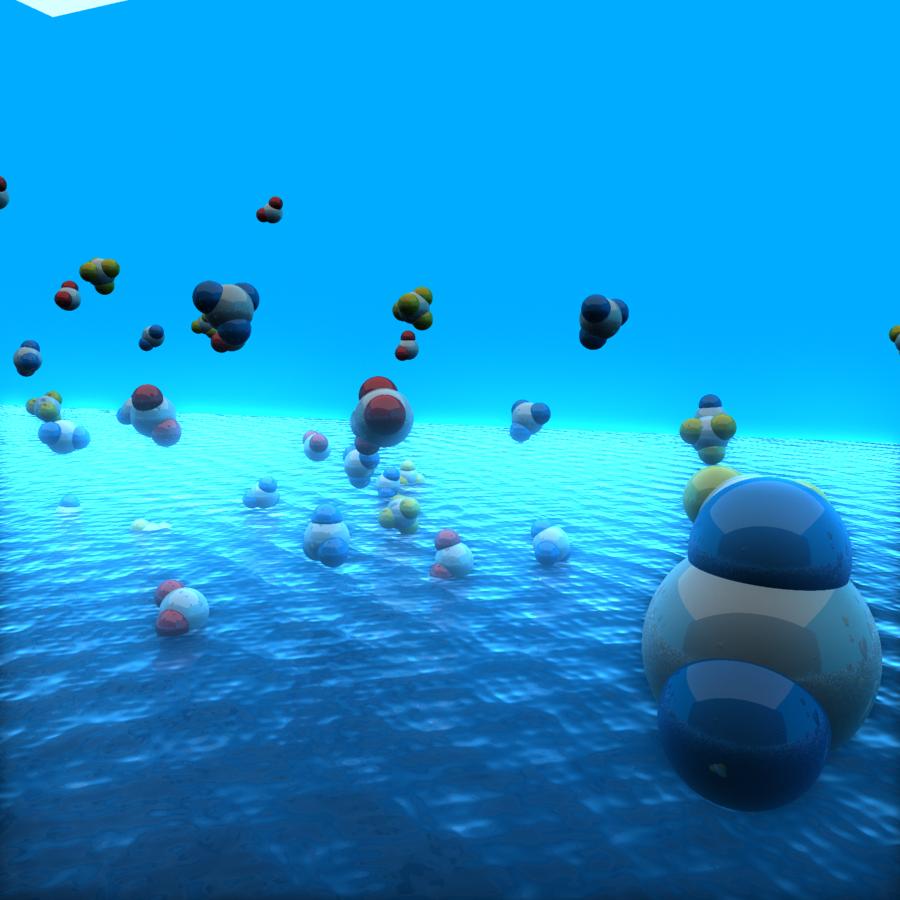

When coming up for ideas for my interactive multimedia portfolio I began testing with making a semi-transparent web layout. I started with something like this.

This looks alright but its when you start testing with different backgrounds and blending modes in Photoshop you can come up with something that looks very simple and professional yet rich and visually enticing; depending on the background you choose. I chose some Photoshop work I created about a year back during my space art phase.
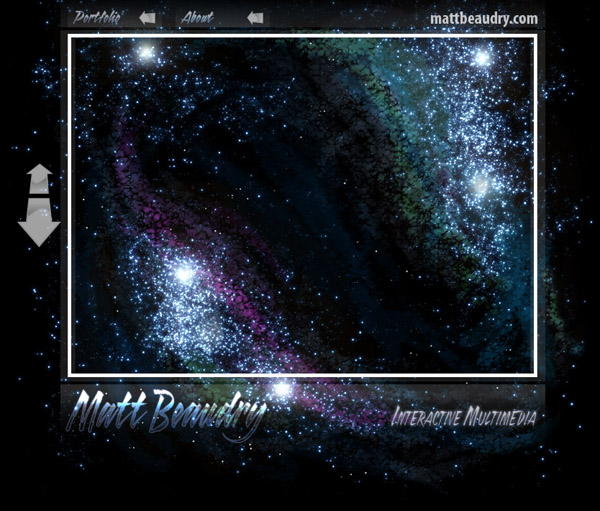

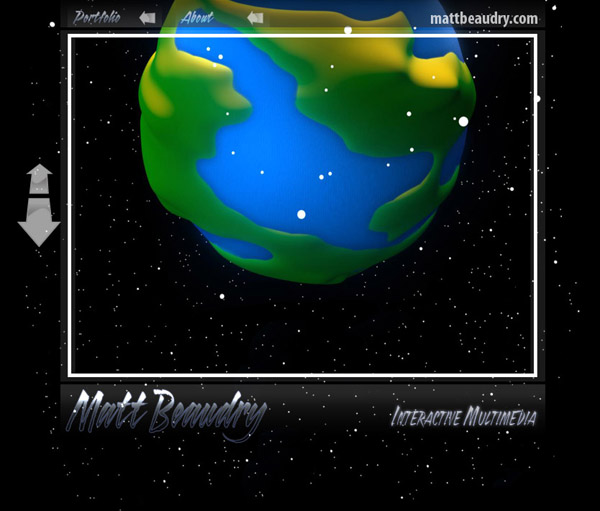
If you really want to get fancy you could create a switchable background control and let the user choose which they want. Even better… bring a layout like this from Photoshop into Flash and use an animated background while still retaining the layer blending modes from Photoshop. I love Adobe CS4!
Photo I took of my brother a couple summers back. I felt it came out great on it’s own; un-cropped and un-photoshopped.
Did I just invent 2 adjectives in that last sentence?
The assignment? To create an animated self portrait. I tried to be minimalistic about it. I tried to use the smallest number of frames possible while still maintaining a life-like result.
The artwork was drawn in Adobe Illustrator and Imported into Flash for animation.
How did I do?
I saw this car in a parking garage a couple months ago and twittered this photo (sigh.. using the word ‘twit’ in sentences is still painful). I just realized that fail blog actually commented on it through twitpic (again, not comfortable); their reply reads, “Ummm… Catchin’ a ride – fail?”

Any ideas?
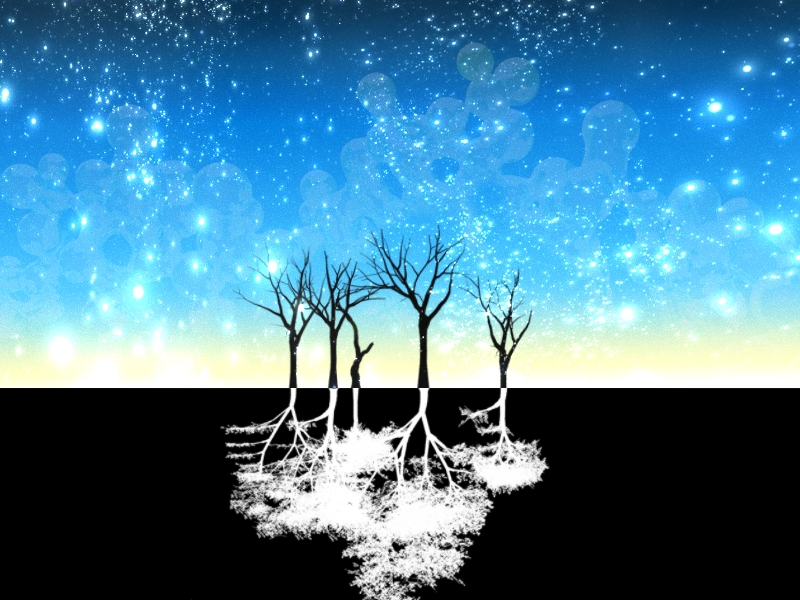
I call this piece, Negative Trees.
The background was created with Maya (3D software) and the trees graphics are some Photoshop brushes.
Does your band need some album art?
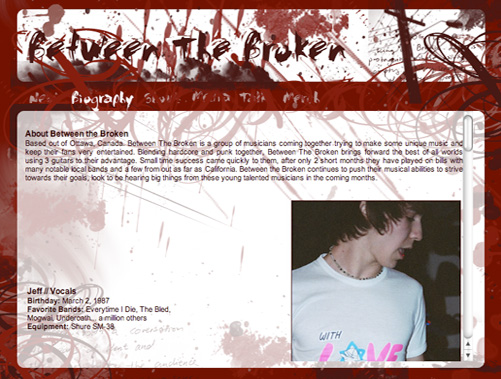
Here are a couple pictures of a website I designed years ago for a local Ottawa band. The band is no longer together so the website is no longer in use.

The trick here is excessive Photoshop brushes and suicidal shades of red. Not to be dramatic or anything.

Testing with ocean shaders in Maya to create a cell membrane effect. This is very easy to create:

Image of a galaxy I created in Photoshop using only photoshop filters and tools.